Opayo Server Option: Without iframe vs. With iframe
This section explains the two server options for processing payments with Opayo and outlines the main differences between using an iframe and not using one.
Without iframe (Disabled)
- This follows the standard checkout process for server integration.
- During checkout, the payment method will appear as “AG Opayo Server (iframe)”.
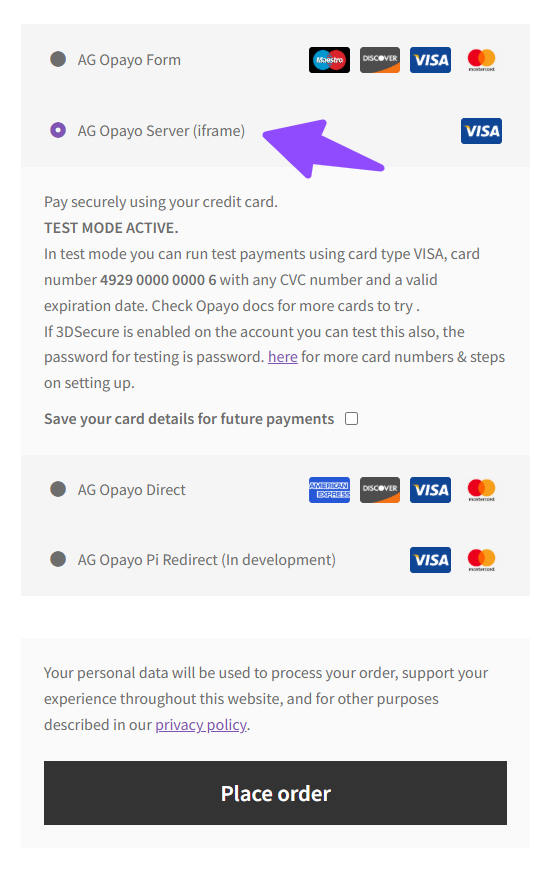
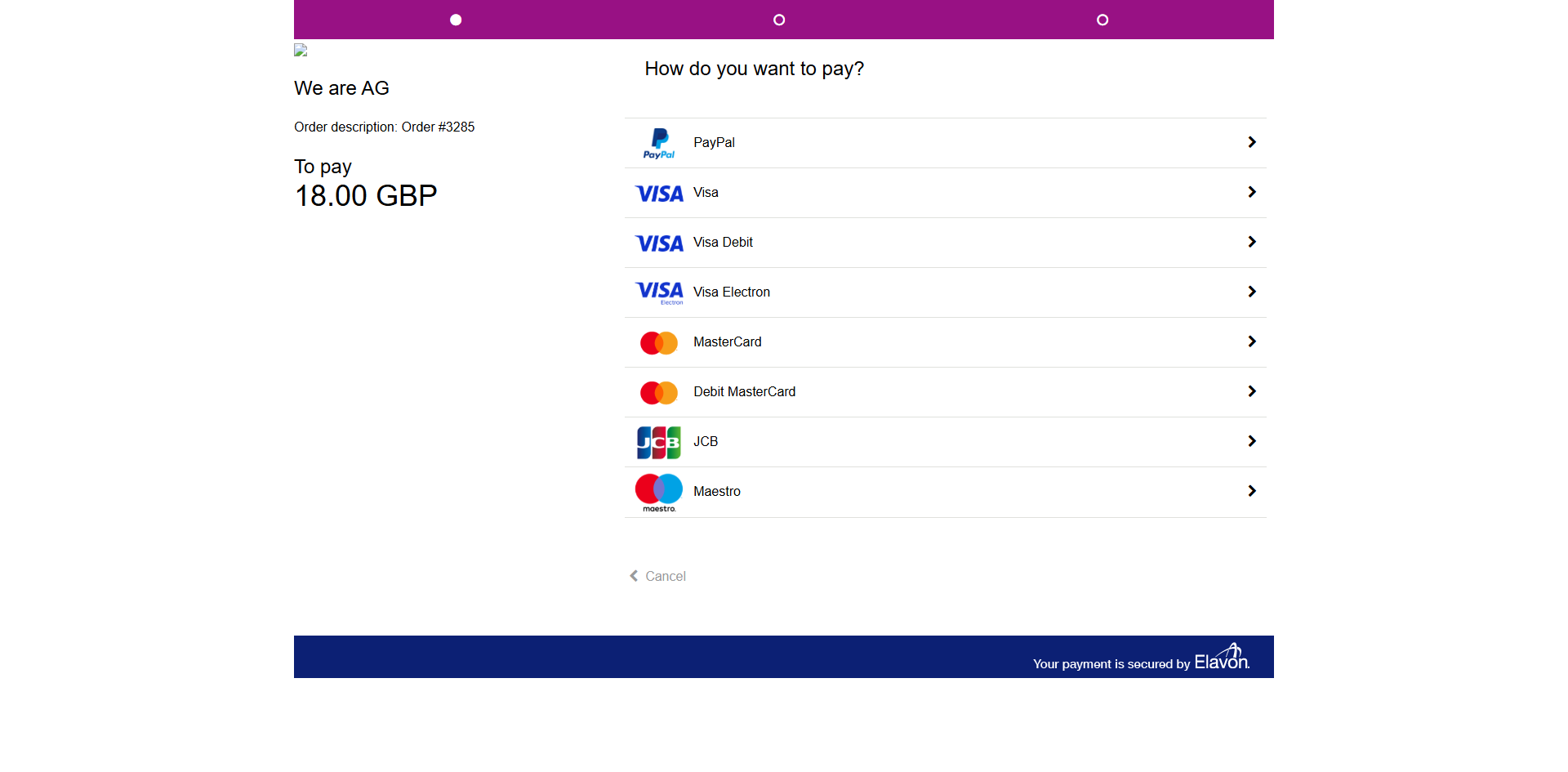
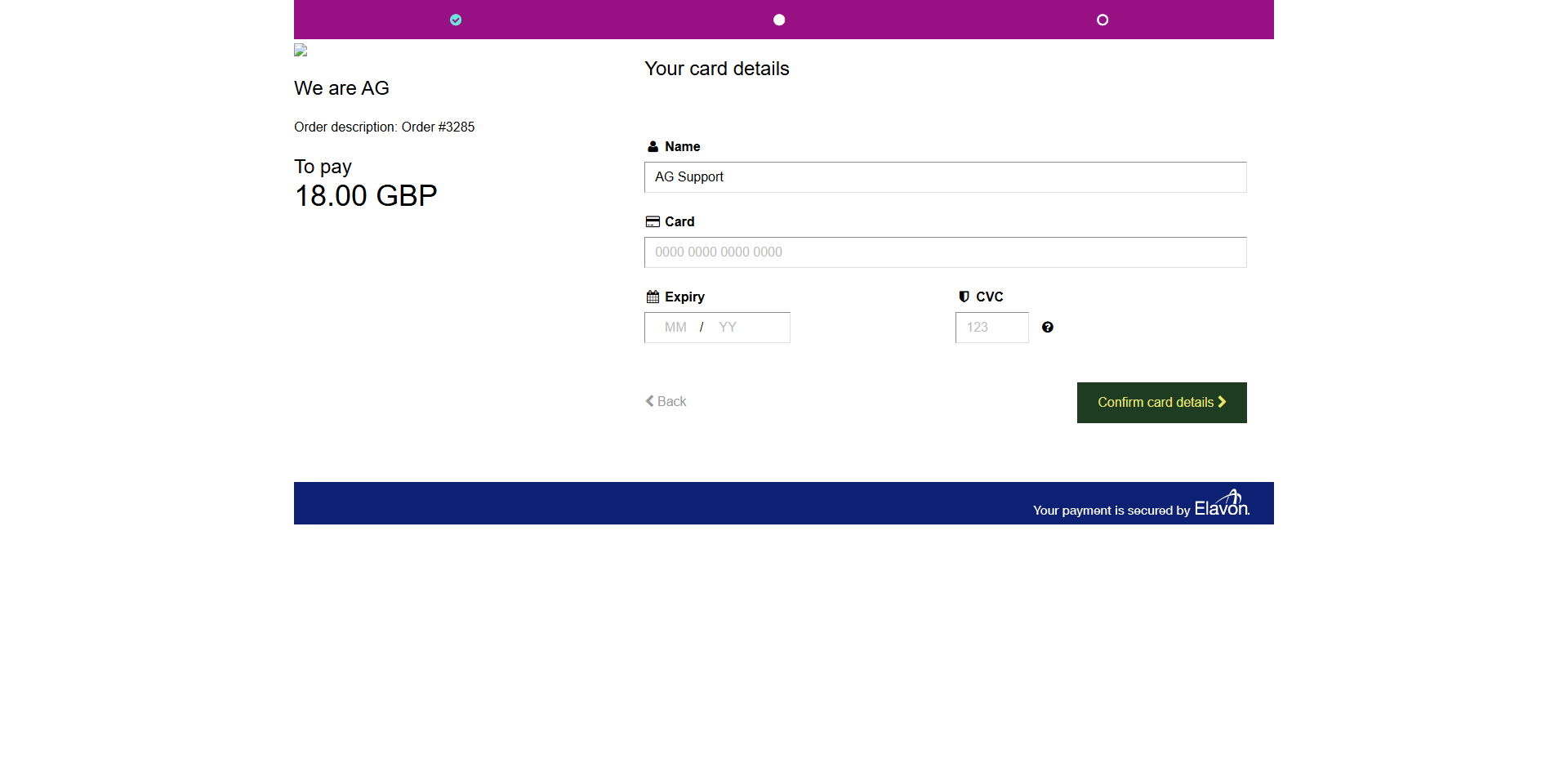
- Customers are redirected to the Opayo server to complete their payment. As shown below:

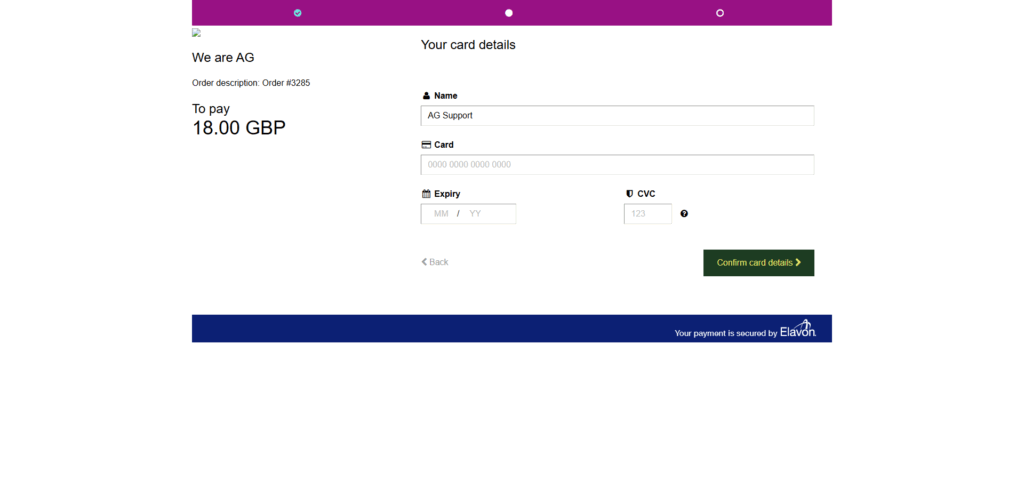
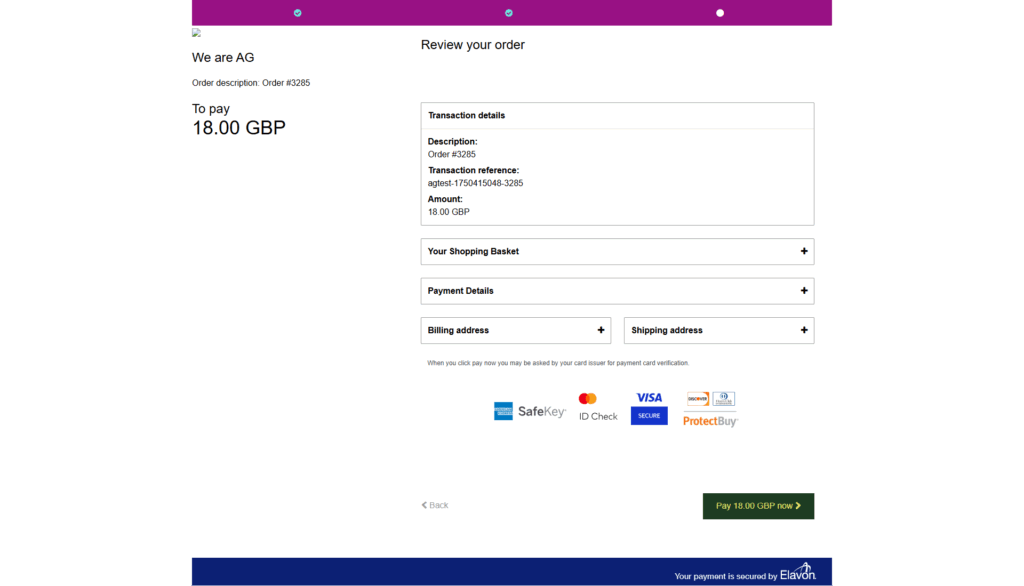

- Since the entire payment is handled on Opayo’s servers, your website does not touch or process sensitive card data.
- This approach can simplify PCI compliance, as Opayo manages the security requirements.


Tip
Without an iframe, customers are securely redirected to Opayo’s server to complete their payment. This fully off-site payment processing can make compliance and setup easier.
With iframe (Enabled)
- During checkout, the payment method still displays as “AG Opayo Server (iframe)”.
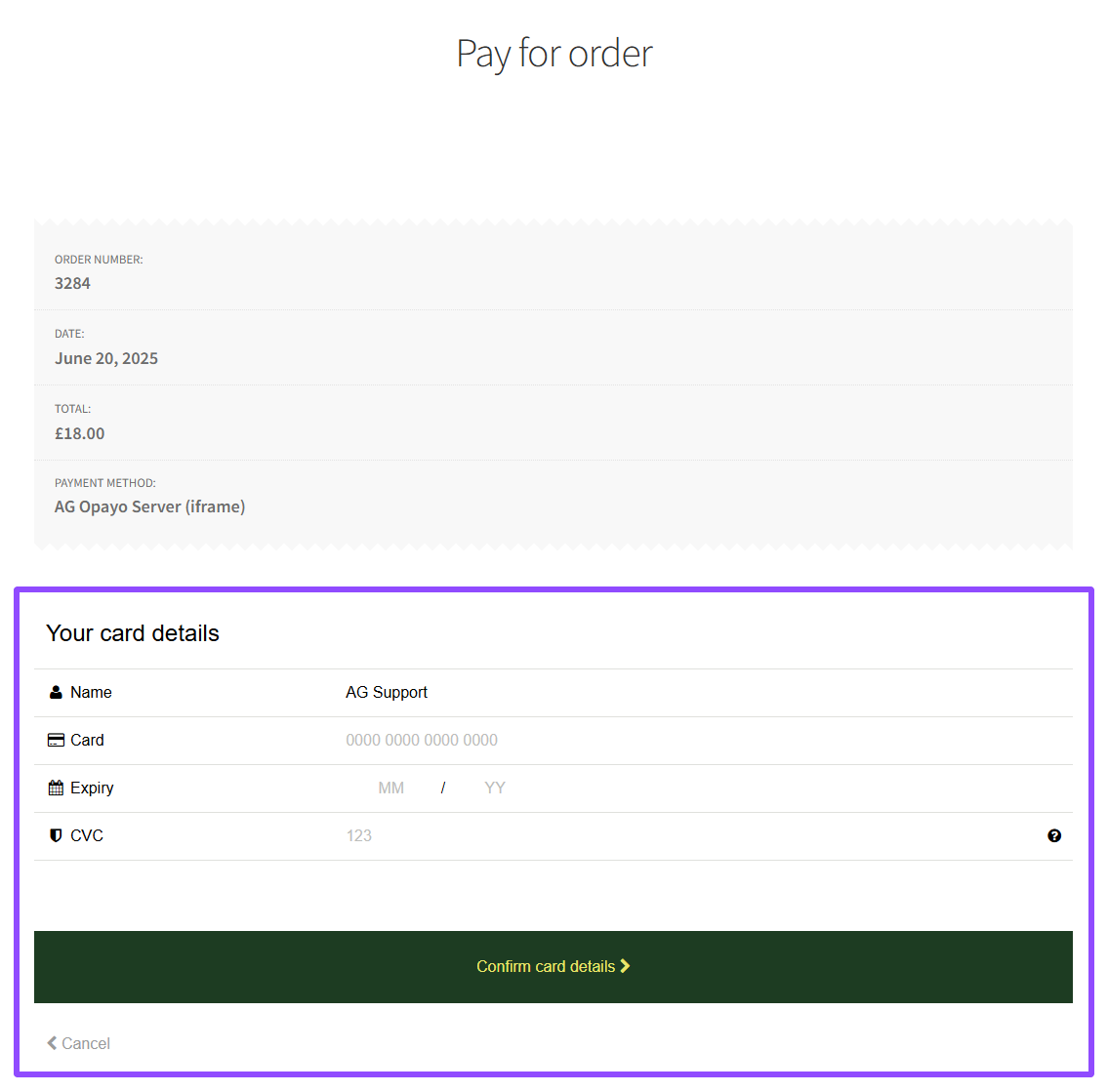
- Payments are processed on-site, meaning customers complete transactions directly on your website through an embedded iframe, without being redirected to the Opayo server. As shown below:
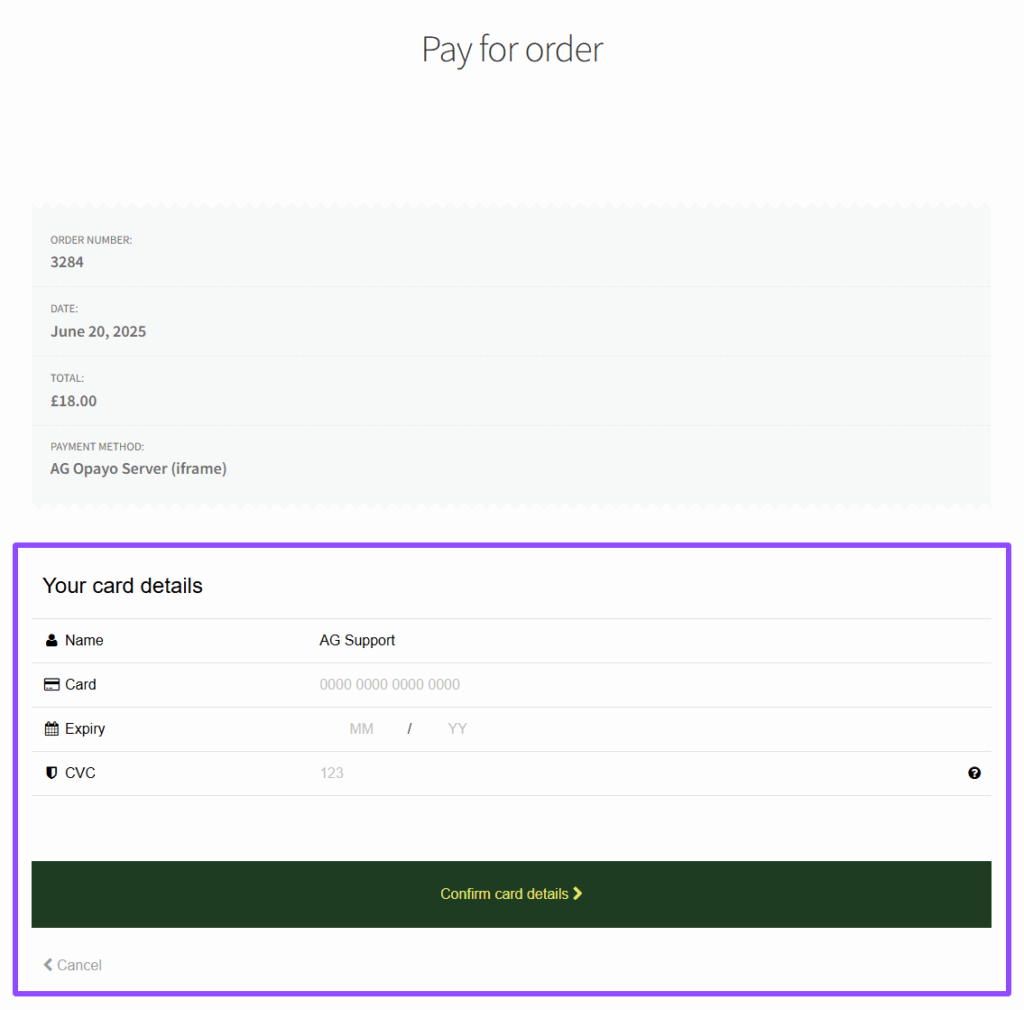
- Although payments happen on your site visually, the iframe securely communicates directly with Opayo’s servers.
- This method can still be PCI compliant, though it may require slightly more attention to security best practices on your part.
- You can easily personalise the payment page through your myOpayo account.
Tip
An iframe embeds a secure Opayo payment form directly on your website, allowing customers to stay on your site during checkout for a smoother and more seamless payment experience. Check out this guide to enable iframe.
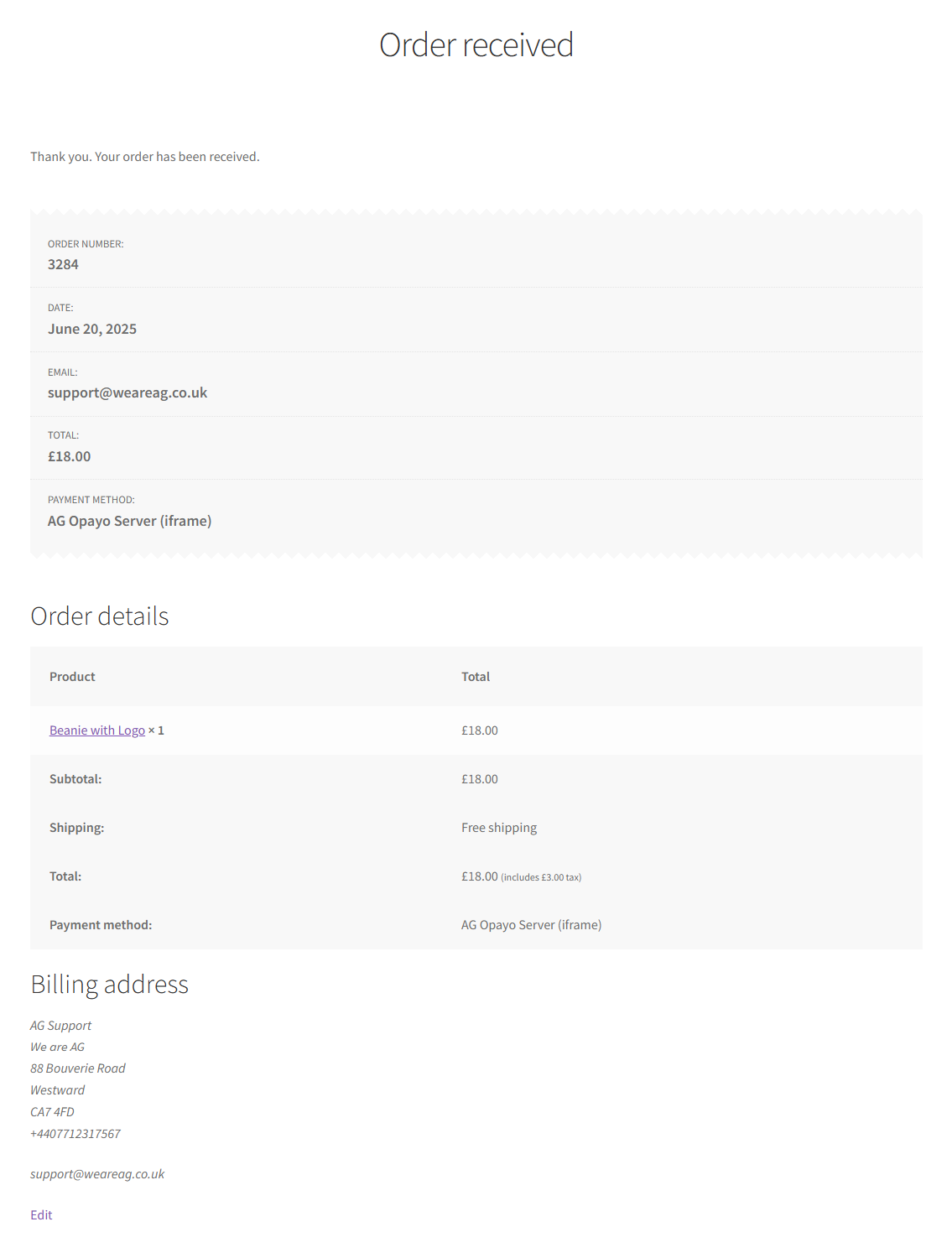
Once you got a successful order, the Order Received page will be displayed.
Understanding these options helps you choose the best setup for your site. If you need help, feel free to contact us, we’re here to support you.
Was this helpful?